
AI Advisory
Burt has a key problem. Make sure that you don’t.
One leaked API key shouldn't be able to stop your business. With a virtual key, it can't.

Editorial
Picture this. It’s a normal Tuesday. Coffee’s still hot. Then someone on your security team sends you a message that makes your stomach drop: One of your company’s production API keys was just found on a Pastebin site. Pastebin is a style of open-web site for people to easily share information, and, like this instance, often used to dump stolen data. It’s out in the open for anyone to grab.
If you’re not technical, here’s the quick version of why that’s bad. An API key is basically a house key for software. It lets one system unlock another and start doing things automatically, no human needed. This particular key wasn’t guarding the coat closet either. It was the key to the front door of a workflow that onboards every new employee you hire.
Now a stranger has a copy of your house key. Easy call, right? Just change the locks. Not exactly.
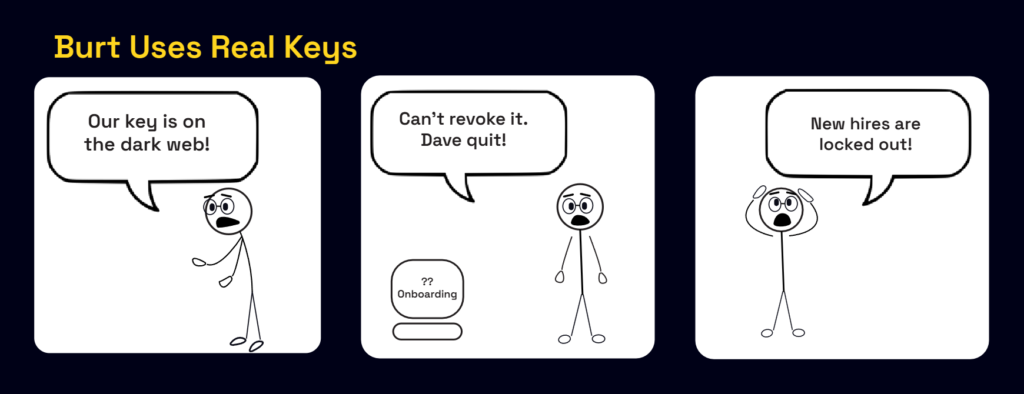
Why you can’t just ‘change the locks’
Here’s where it gets complicated.
That onboarding workflow is what I’d call an agentic workflow. It’s a chain of automated steps that runs mostly on its own. A new hire gets added, accounts get created, equipment gets ordered, access gets granted, and welcome emails go out.
It’s automated, it just works in the background, and nobody thinks about it. Which is exactly the problem.
The second you revoke that key, the whole workflow stops. New hires starting Monday suddenly don’t get accounts. HR is confused. IT is slammed. Now you have a cross-team fire drill on your hands.
Where is the person who built the process and understands how it works? Gone. Left the company months ago. They didn’t leave a manual. They didn’t leave notes. They left a black box that works great right up until the moment it doesn’t.
Now you’re stuck between two bad choices. Leave the stolen key active and hope nothing more happens, which is unlikely. Or revoke the key and possibly break onboarding for real people on their first day.
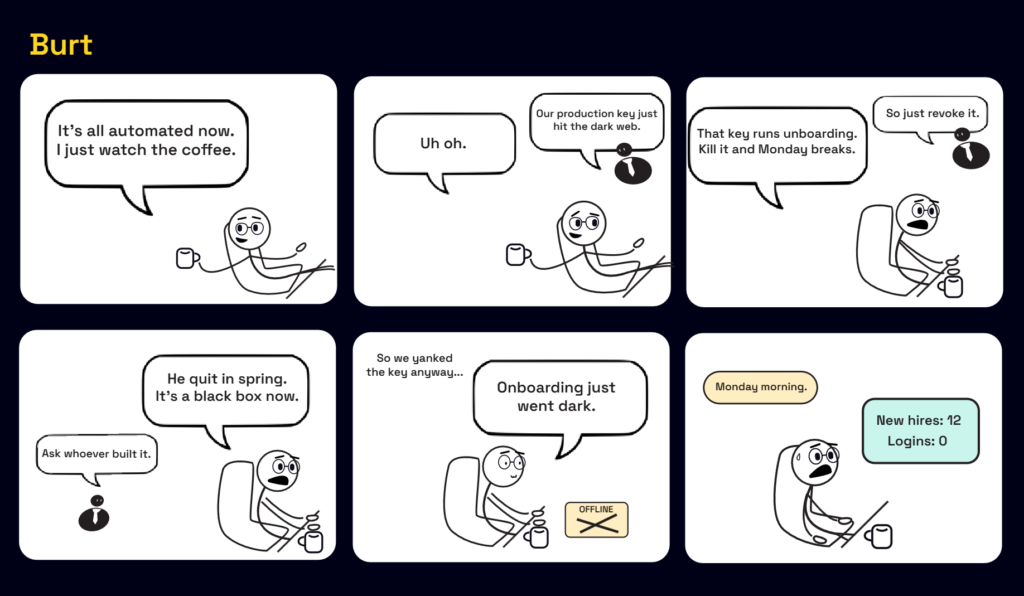
So, what do you do?
Here’s the path I’d walk.
- Stop the bleeding without blindly revoking the key. Before you touch anything, find out what that key can do and where it’s being used. Most systems let you check the logs: a record of every time the key was used, and from where. If you see it being used from a destination you don’t recognize, that’s your alarm bell. Some systems also let you limit a key to your own locations (called IP restrictions). That’s like telling the lock, “Only open for keys used inside my building.” It buys you time without breaking anything.
- Build a new key beside the old one, not on top of it. Don’t rip the old key out. Create a brand-new key, plug it into the workflow, and make sure it works before you decommission the old one. It’s like installing a second smoke detector before you pull the old one off the wall. You keep the coverage the whole time. Test it with a fake new hire before you trust it with a real one.
- Once the new key is doing the job, revoke the stolen one for good. The copy on the web is now worthless, and onboarding keeps running.
- Then find out how deep it went. A leaked key is rarely a one-off. Was it hard-coded somewhere? Is it sitting in an old file, a chat message, or a document? Trace how it got out so it doesn’t happen again next week with a different key.
The real lesson (and it’s not about one key)
The stolen key wasn’t the actual problem. It was the fire alarm. The real problem was everything the alarm exposed.
- You had a critical workflow nobody owned. When the person who built the workflow leaves, the knowledge shouldn’t leave with them. If one resignation can put your business at risk, that’s not a people problem; that’s a process problem.
- You didn’t have a list of your keys. You can’t protect what you can’t see. In most environments my team walks into, there’s no reliable list of these “house keys”: how many are in use, who made them, or what they open. Make the list. Keep it current.
- Nobody was watching the automated work. Agentic workflows are great right up until they stop working or get compromised. If it runs on its own, someone still has to own it, watch it, and know how to fix it.
Here’s the part I really want you to take away. The scary moment wasn’t finding the key online. The scary moment was realizing you’d built something important that you didn’t fully understand and couldn’t safely turn off. That’s the trap a lot of companies are quietly walking into right now, especially as more of the work gets handed off to automation and AI agents.
Know what you’ve built. Know who owns it. Know how to shut it down without creating a bigger problem for yourself.
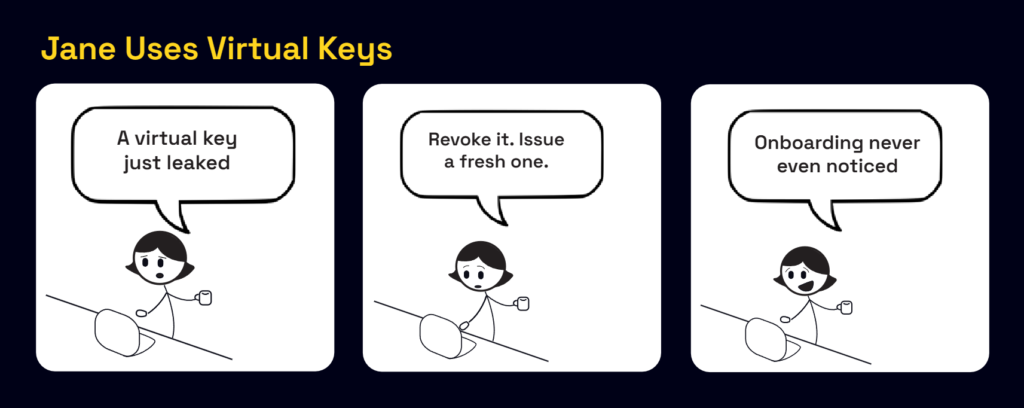
How JetStream turns this nightmare scenario into a non-event
Here’s the good news. Everything I just described (the panic, the black box, the fear of flipping the switch) comes from one root cause: the real key was out in the wild, copied into a workflow where anyone could grab it. What if the workflow never held the real key at all?
That’s the idea behind what we do at JetStream. We put a smart doorman in front of your keys. In the security world it’s called a key broker. Ours is JetStream Key Broker™, and in plain language we call it a virtual key.
Think of it like a hotel. You don’t hand every guest a copy of the master key that opens every door in the building. You hand them a keycard. The real master key stays locked in the back office. The front desk decides what each card can open and for how long. Somebody loses a card? The front desk disables it in seconds and issues a new one.
A virtual key works the same way. Your onboarding workflow never touches the real key. It gets a virtual key instead. When it needs to do its job, it hands that virtual key to JetStream, and we quietly use the real key on its behalf. The real key stays locked in the vault, where no developer, no old file, and no dark-web paste site ever gains access to it.
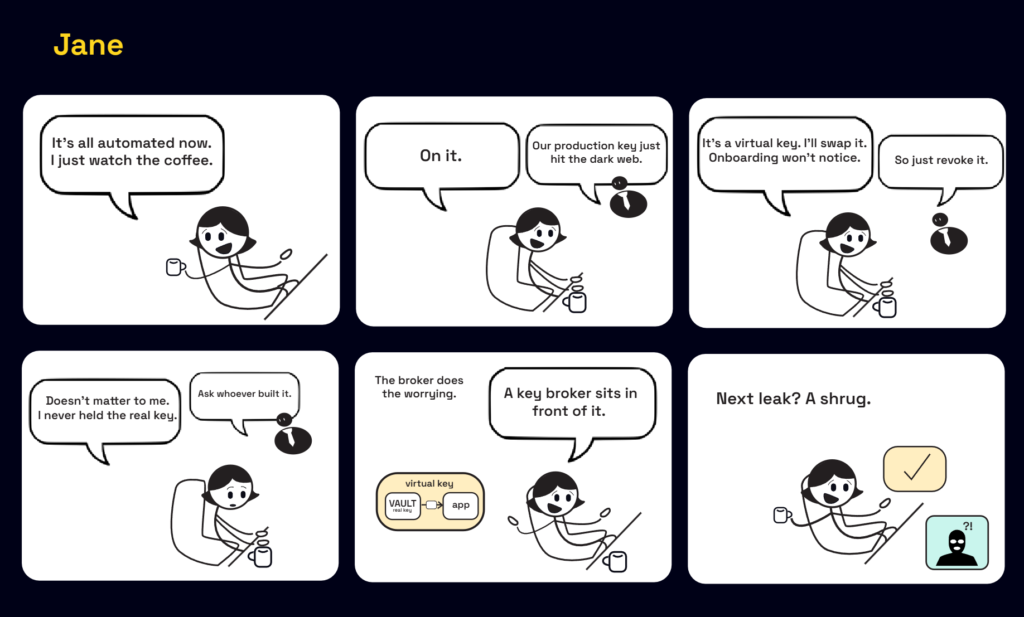
Here’s what that buys you:
- A leak becomes a non-event. If a virtual key ever shows up on the dark web, you switch off that one key. The real key never moves. Nothing breaks, and no incident occurs. The stolen copy is worthless, because it isn’t a real key and it only works inside JetStream, where we control access and can revoke it in seconds.
- You can change the real lock anytime. Rotate the real key behind the scenes whenever you want. Your workflows never notice, because they were never holding it in the first place. No more being scared to touch it.
- Nothing is a black box anymore. Every virtual key is tied to a person or a workflow, and you can see exactly what it’s doing. When someone leaves, their keys are right there on the list, ready to hand off or turn off.
- Every key has guardrails built in. Limits, boundaries, and an expiration date come standard, not bolted on after something already went wrong.
In other words, the exact situation that ruined your Tuesday can’t play out the same way. The real key was never out there to steal, and even if a stand-in key gets copied, you turn it off and get on with your day.
Because the worst time to learn how something works is the moment you’re forced to break it.